Independent game studio

Games for curious minds.

Game House Club makes bright, thoughtful games and apps for iPhone — quick to pick up, satisfying to master, and built to help you play, learn, and grow.

The lineup

Four apps, one house.

Now in beta on iPhone. App Store releases are on the way.

Brain Drain app icon

Brain Drain

Math games

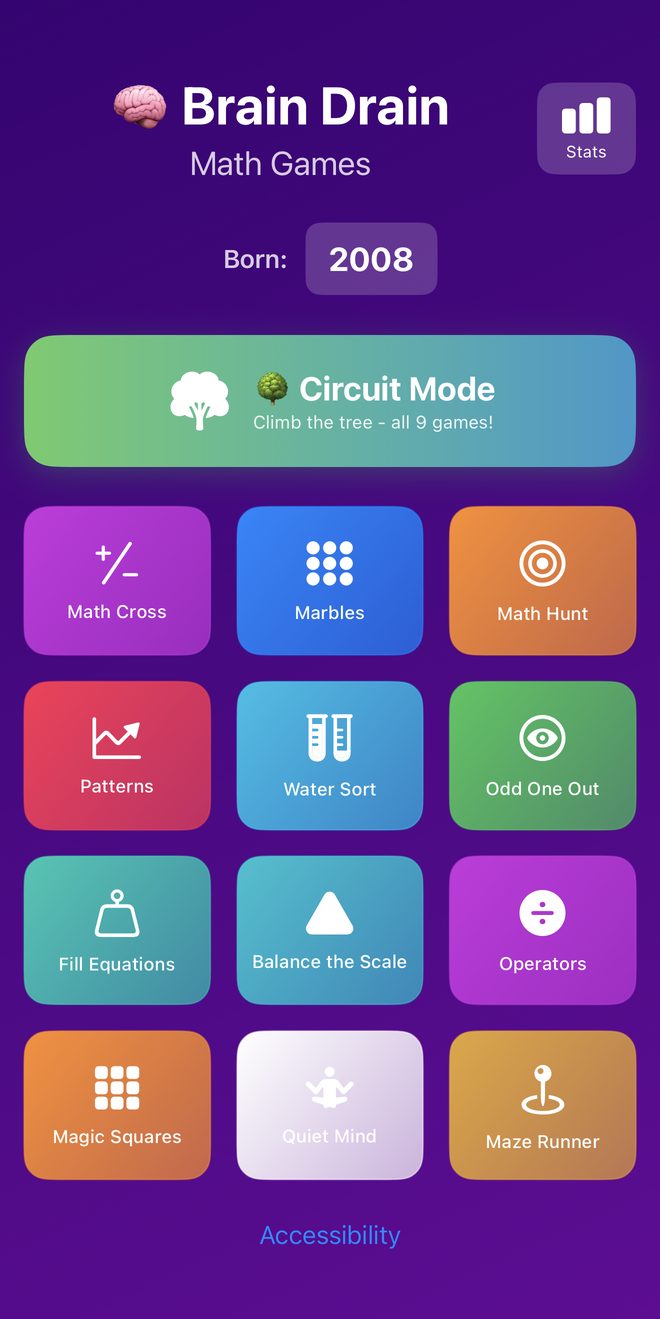
A whole arcade of number puzzles in one app. Play any game on its own, or take on Circuit Mode and climb the tree through all nine — then check your progress in Stats.

  • Math Cross
  • Marbles
  • Math Hunt
  • Patterns
  • Water Sort
  • Odd One Out
  • Fill Equations
  • Balance the Scale
  • Operators
  • Magic Squares
  • Quiet Mind
  • Maze Runner
In beta
Brain Drain home screen showing Circuit Mode and twelve math game tiles
Tic Tac Toe app icon

Tic Tac Toe

The classic, reinvented

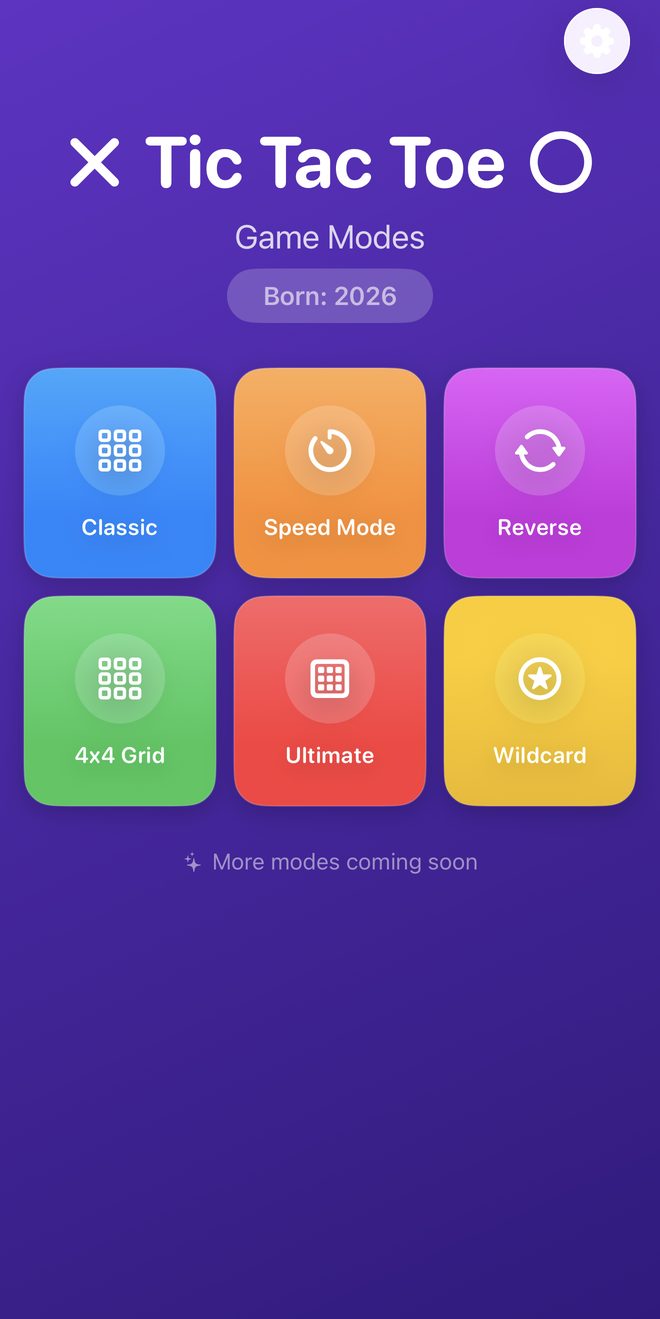
Everyone knows the rules — until you change them. Six ways to play, from the grid you grew up with to a race against the clock.

  • Classic
  • Speed Mode
  • Reverse
  • 4x4 Grid
  • Ultimate
  • Wildcard

More modes coming soon.

In beta
Tic Tac Toe game mode menu with Classic, Speed Mode, Reverse, 4x4 Grid, Ultimate and Wildcard
Focus Syllabl app icon

Focus Syllabl

Habits, focus & study planner

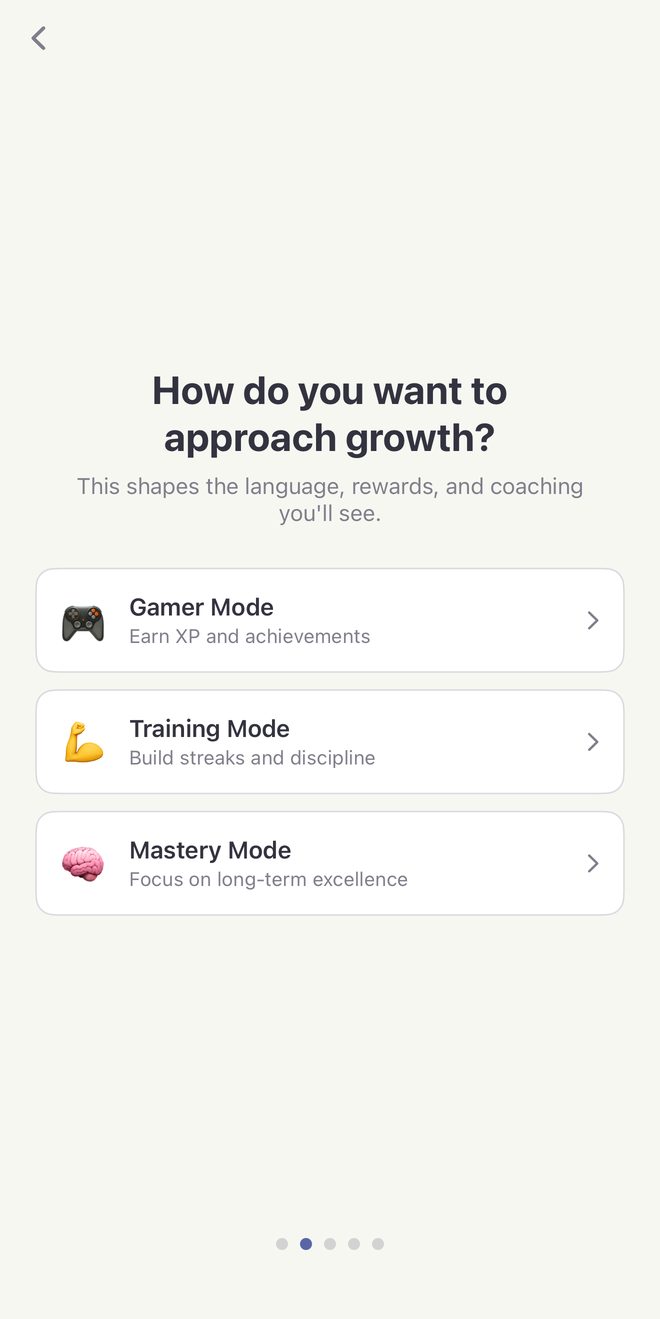
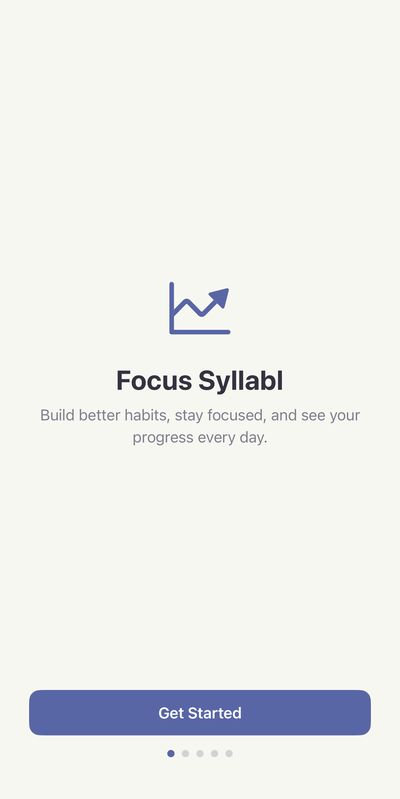
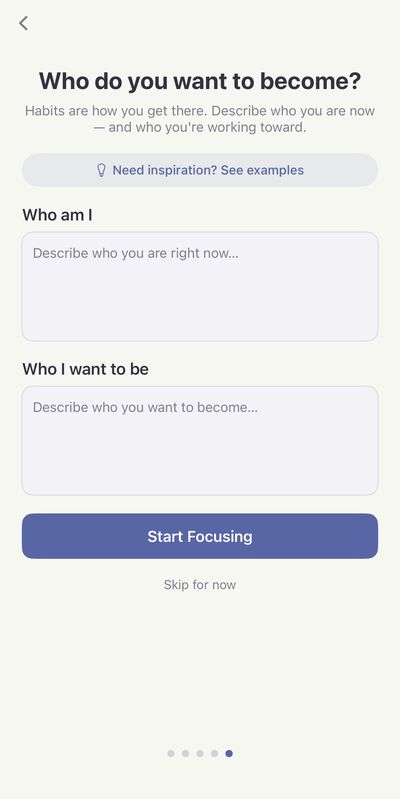
Build better habits, stay focused, and see your progress every day. Start by describing who you are now and who you want to become, then pick the style of growth that motivates you.

  • Gamer ModeEarn XP and achievements
  • Training ModeBuild streaks and discipline
  • Mastery ModeFocus on long-term excellence

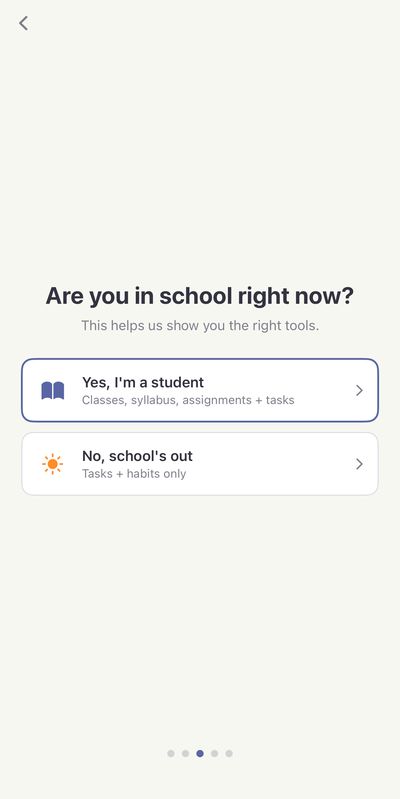
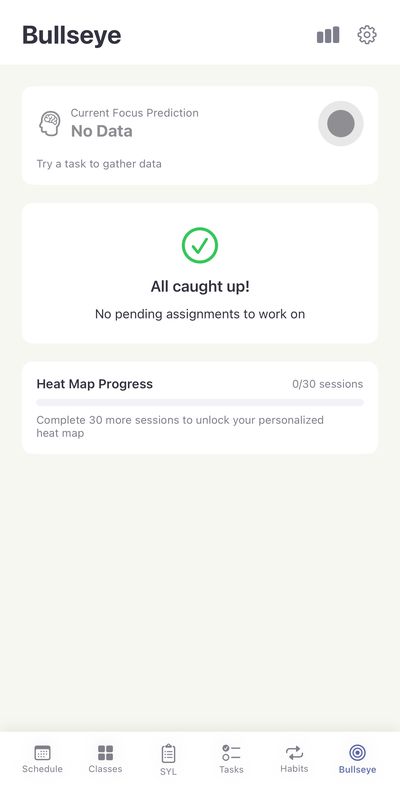
Students get classes, syllabus, assignments, and tasks in one place. Everyone else gets tasks and habits. Bullseye tracks your focus sessions and unlocks a personalized heat map of your progress, and gentle reminders help you show up for your habits and deadlines.

  • Schedule
  • Classes
  • Syllabus
  • Tasks
  • Habits
  • Bullseye
In beta
Focus Syllabl asking how you want to approach growth, with Gamer, Training and Mastery modes
Focus Syllabl welcome screen: build better habits, stay focused, and see your progress every day Choosing between student mode with classes and syllabus, or tasks and habits only Describing who you are now and who you want to become Bullseye screen with focus prediction and heat map progress
Memory Tide app icon

Memory Tide

Photo memories & slideshows

Memory Tide brings the moments in your photo library back to the surface. See what happened On This Day, jump to a Random day, or search for a scene, a place, a person, or a date. Then turn any day into a slideshow worth sharing.

  • Search & browseTimeline by what's in your photos, or browse by place, month by month
  • PeopleFind faces, then group and name them by hand, all on your device
  • SlideshowsSquare for the feed, 16:9 for YouTube, 9:16 for Shorts and Reels

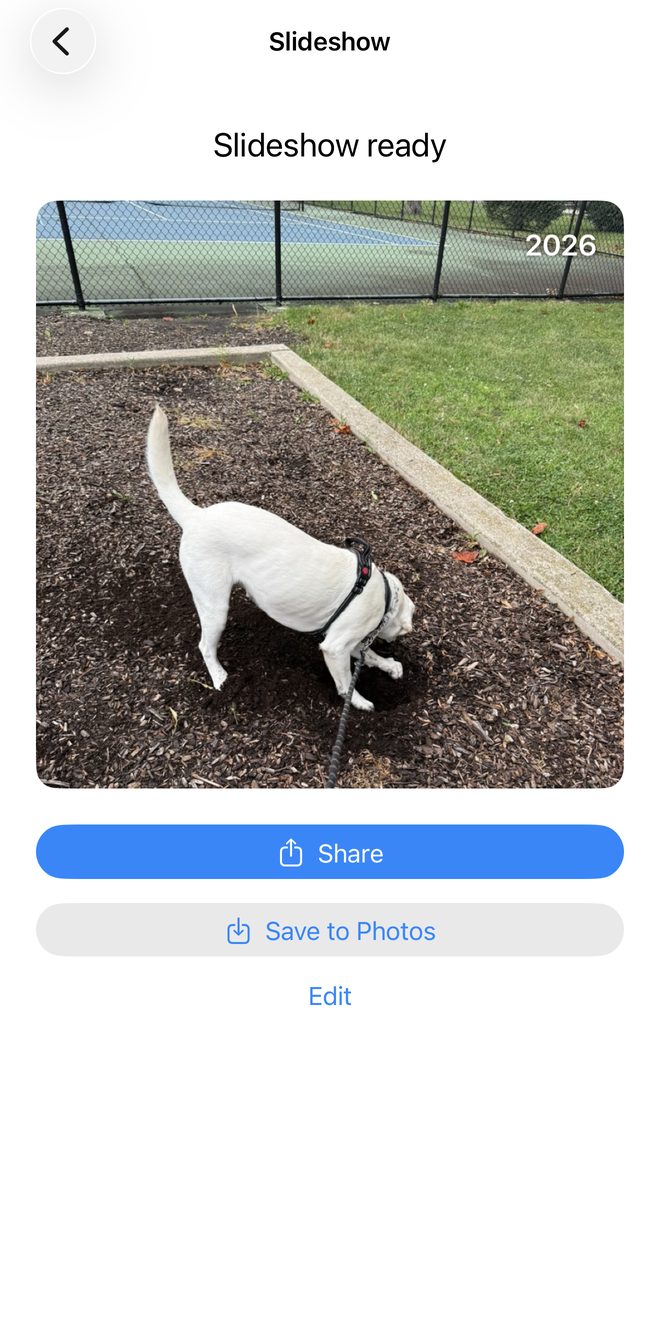
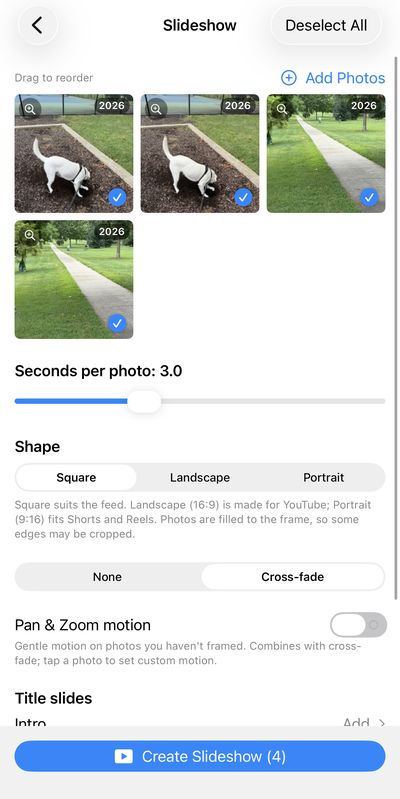
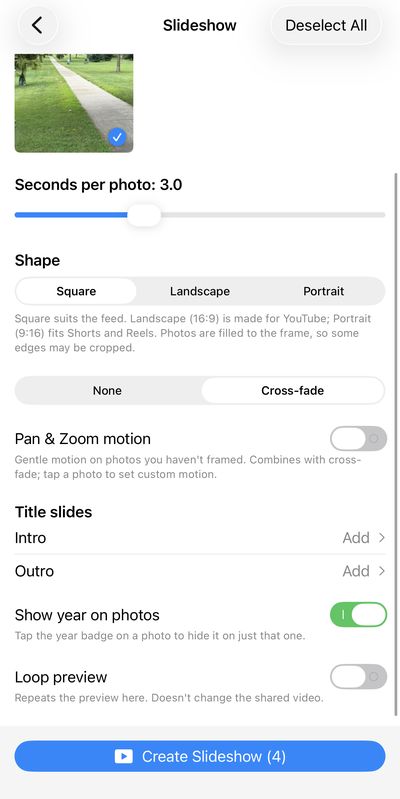
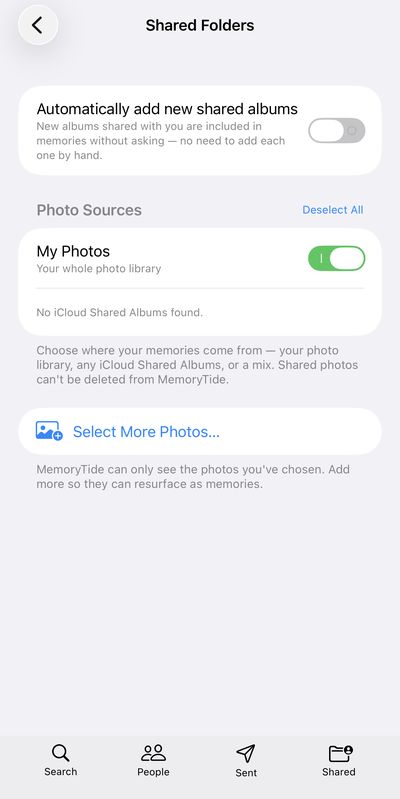
Add cross-fades, gentle pan and zoom, intro and outro title slides, and year badges, then share it or save it to Photos. Pull memories from your library, iCloud Shared Albums, or a mix. And your photos stay on your device.

  • On This Day
  • Search
  • People
  • Shared Albums
  • Slideshows
In beta
Memory Tide slideshow ready to share, with a 2026 year badge on a photo of a dog
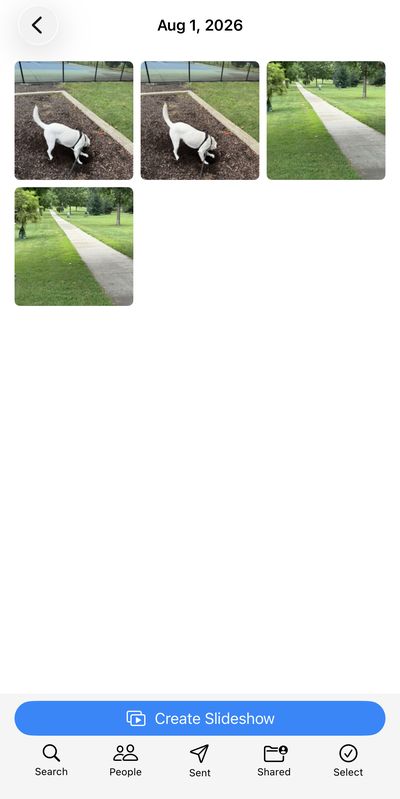
Photos from a single day, ready to become a slideshow Slideshow editor with photo order, seconds per photo, and shape options Slideshow options for cross-fade, pan and zoom, title slides, and year badges Choosing photo sources, including My Photos and iCloud Shared Albums

The studio

A house where everyone plays.

We build the kind of games we want on our own phones: clean, colorful, and over in a minute or absorbing for an hour. No clutter between you and the fun.

Every game starts with a simple idea, then gets played and polished until it feels just right.

Say hello.

Questions, feedback, press, or partnerships — we read everything.

Email the studio